Establish that the fill time really changed
A compressor may feel slow because a tool is still connected, the receiver started at a different pressure, ambient temperature changed or the test ended at a different cut-out point. Measure before replacing parts.
Disconnect tools and close the downstream outlet as the manual directs. Drain the receiver using the model's approved procedure, return the drain to its operating position, then time the compressor from zero to its normal factory cut-out. Record the starting pressure, ending pressure and conditions.
Compare that result only with an exact-model figure from the manufacturer or with a previous test of the same machine made under similar conditions. A compressor's published CFM does not by itself state how many seconds its particular receiver should take to fill.
Check the easy air path first
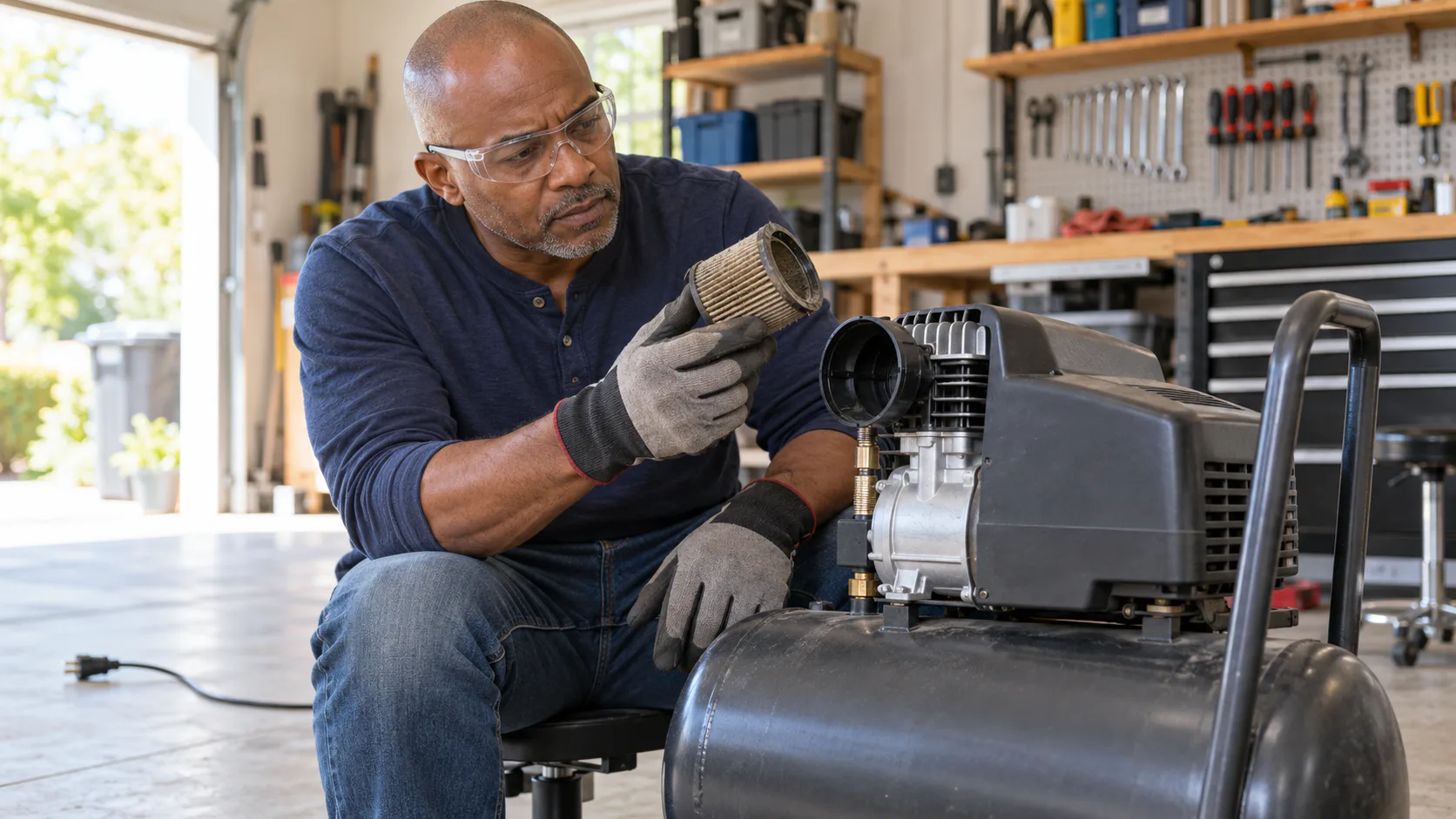
The pump needs an unrestricted supply of ambient air. Dust on an intake element can reduce that supply and extend the fill.
With the compressor powered off, unplugged and depressurized as required by its manual:
- Find the intake filter or silencer.
- Inspect the element and housing for dirt, damage or an obstruction.
- Clean or replace it only by the model's maintenance procedure.
- Check that cooling openings have clear space around them.
- Reassemble the intake before running the machine.
Atlas Copco and Quincy both include intake restrictions among causes of low compressor output. The service interval depends on the machine and environment, so a generic weekly schedule should not replace the manual.
Separate a leak from a pump problem
An external leak can release air while the pump is trying to store it. Couplers, drain valves, fittings, hoses and downstream equipment are common inspection points.
After the receiver reaches its normal cut-out, isolate downstream equipment if the compressor instructions allow it. Note the gauge and wait for the period specified by the manual. A pressure change after the compressed air has cooled can point to a leak, but cooling itself can also lower the reading. Repeat the observation under consistent conditions.
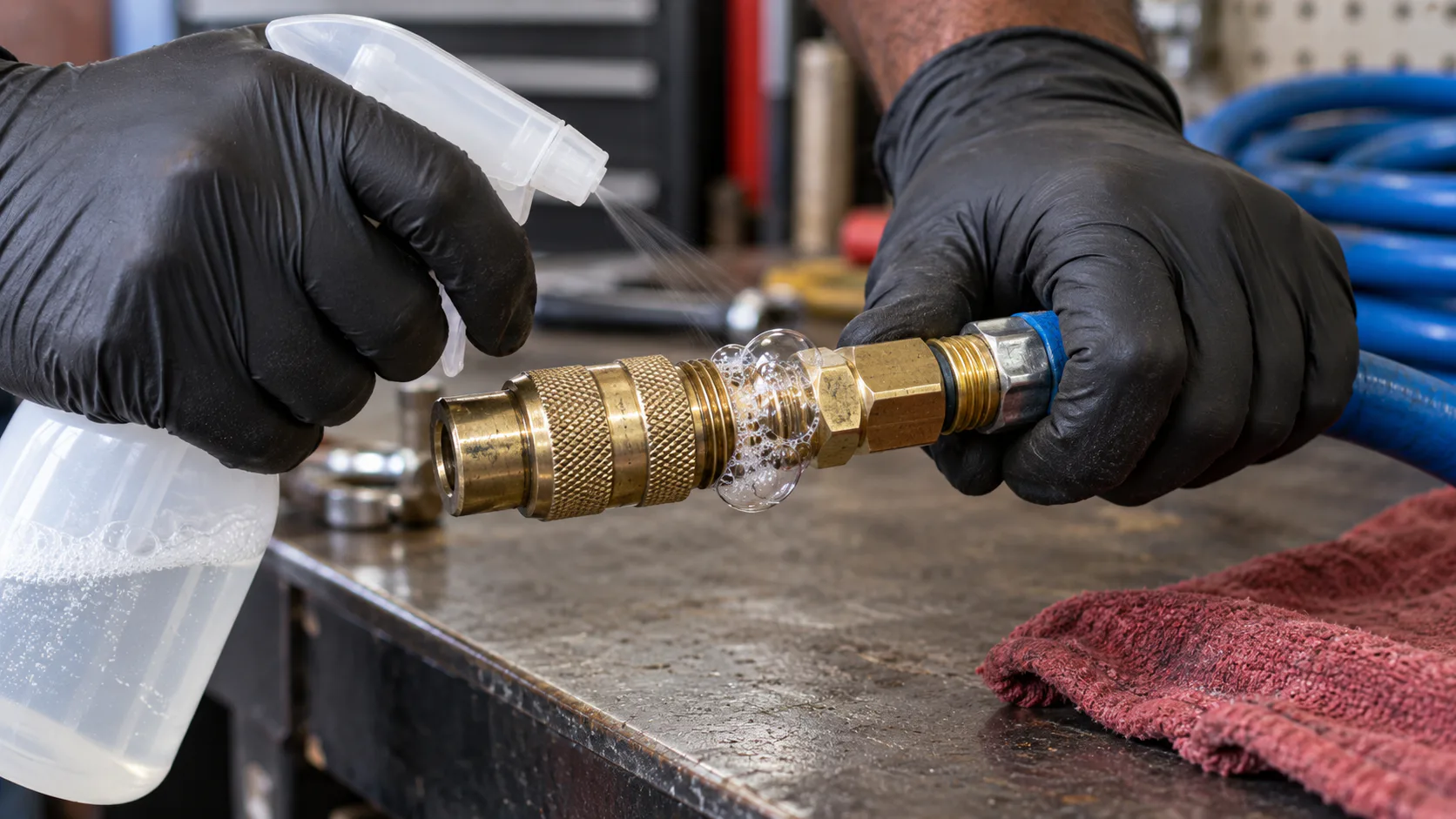
Listen for hissing and use an approved leak-detection solution on accessible pneumatic joints. Keep liquid away from electrical components. The guide to finding compressor and hose leaks gives a safe step-by-step sequence.
Notice what happens after shutdown
A brief release of air near the pressure switch after the motor stops may be the unloader doing its job. Continuous leakage is different.
If air keeps escaping after shutdown, the check valve or unloader circuit may need service. A check valve that does not seal can allow receiver air to flow back toward the pump. That can also leave the pump starting against pressure on the next cycle.
Do not remove a valve or pressure-switch cover while the system is energized or pressurized. Use the exact service procedure or a qualified compressor technician.
Internal pump symptoms
When the intake is clear and accessible joints are tight, worn or damaged pump parts become more plausible. Quincy and Kaeser troubleshooting guidance names valves, rings, seals and gaskets among components that can reduce pressure or delivery.
Useful observations include:
- the pump runs but pressure stops rising below normal cut-out;
- new knocking, tapping or scraping sounds appear;
- oil consumption or visible leakage changes;
- the pump or discharge area becomes unusually hot;
- air pulses back through the intake;
- the motor protection trips during a fill.
These symptoms do not identify one failed part. Internal inspection may involve hot surfaces, stored pressure and electrical hazards. Stop at the boundary stated in the manual.
Fill time and tool performance are different tests
A healthy compressor can fill its receiver normally and still lose ground while a high-demand tool runs. In that case, the problem may be system capacity or pressure loss rather than a damaged pump.
Run the empty-to-cut-out test with tools disconnected. If that time is normal, reconnect the system and check pressure at the tool while air flows. Inspect the hose, couplers, filter and regulator, then compare published airflow fields at the same stated pressure.
The compressor records preserve each maker's published delivery labels. The Air Tool Match calculator can expose an obvious published shortfall, while the fill-time test answers whether the compressor itself is behaving like the exact model should.
A useful troubleshooting record
Write down the result before changing anything:
| Check | What to record |
|---|---|
| Empty-to-cut-out run | Start pressure, cut-out pressure, elapsed time |
| Intake | Element condition and service performed |
| Isolated receiver | Pressure after cooling and after the manual's observation period |
| Shutdown | Brief unloader release or continuing leak |
| Temperature | Normal, unusually hot or protective shutdown |
| Sound | Normal pump rhythm or a new mechanical noise |
One change at a time makes the second fill test useful. Replacing several parts at once removes the evidence that would show which fault mattered.
Sources checked
- How to troubleshoot an air compressor, Atlas Copco, checked 2026-10-12
- How Do You Fix an Air Compressor?, Quincy Compressor, checked 2026-10-12
- Industrial Air Compressor Troubleshooting Guide, Kaeser, checked 2026-10-12
Manufacturer troubleshooting pages can change. The exact compressor manual controls shutdown, draining, inspection and service.